Behind the Scenes
We started this project 18 weeks ago with a team of six. This website is made with two. Our main question at the time was: “What opportunities does VR/XR offer to enhance student well-being?” A lot has happened since then. Here’s a quick behind-the-scenes look.
Who are Lisan and Romy?
Passionate
Funny
Creative
Perfectionist
Lisan
Studies CMD
23 years old
From the Netherlands
“I love to create and design new things, especially when it comes to technology.”
Honest
Empathetic
Idealistic
Sporty
Romy
Studies CMD
22 years old
From the Netherlands
“Why keep it simple if we can make it amazing!”

Research
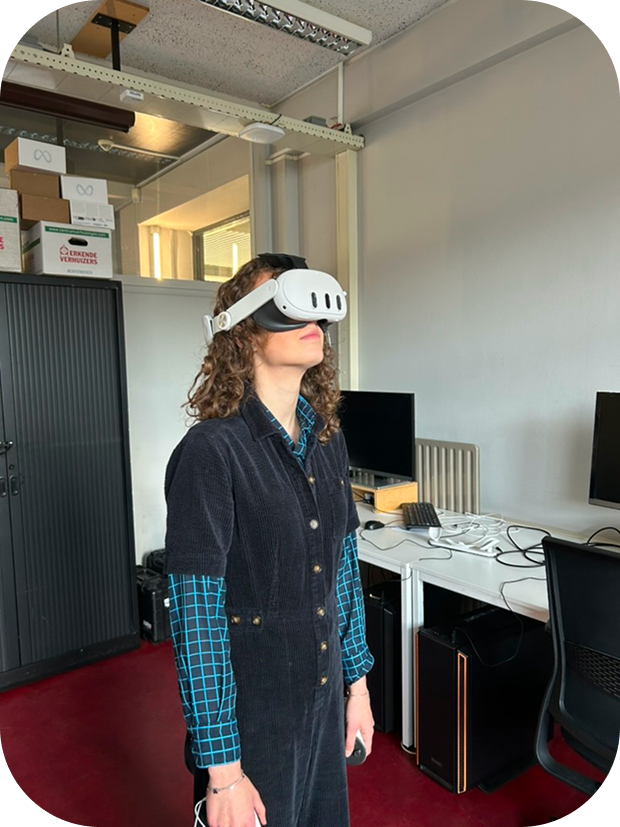
Our VR experiences were very minimal; we had only put on a VR headset once or twice. Step 1 was getting familiar with VR, through the headsets we have at school. One day, we went to the VR lab by ourselves and tried out various things. Like the meditation app TRIPP: we were completely alone in the room with no sounds, which allowed us to fully immerse ourselves in the app. Or beatsaber: getting our daily exercise by slashing blocks to the rythm of a song. Some games were clearly fun, but some didn’t work or weren’t successful. That did cause some frustration.
"What followed was a period full of ups and downs. It was very valuable for my learning process, but in the moment it was quite stressful. I sometimes found (and still find) it difficult to work on the project, because there were so many different paths to explore. I find it hard to write down our process because it goes in so many different directions.
We tried a bit of everything and had conversations with various people. Many had different opinions and ideas, which is logical. The designer's task is to summarize all those ideas into one final design. Maybe I was afraid of making mistakes; you don't want to forget anything, so maybe that's why you end up doing nothing at all."
"We interviewed three FHML students who already had some experience with VR. Their reaction wasn't very enthusiastic (read: 🙄). The apps they had tested in class often missed the mark, and students tend to be brutally honest about that. But that actually gave us more motivation: it can be done better. VR cán be meaningful in education - but only if it's done right.
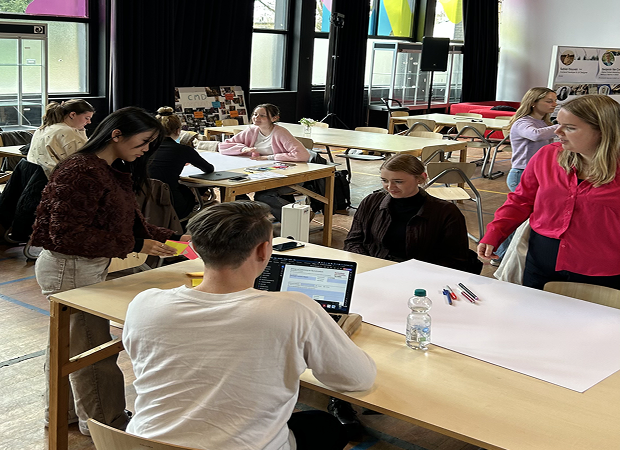
We chose to involve students very closely, by having them give their opinions via co-creation. I had never even heard of co-creation before, but it seemed like this was the perfect opportunity to learn. It took a few weeks to perfect, and the first session was far from perfect, but with some hard work we managed to get there in the end. And we had a lot of fun during the process!"

Let's Co-Create
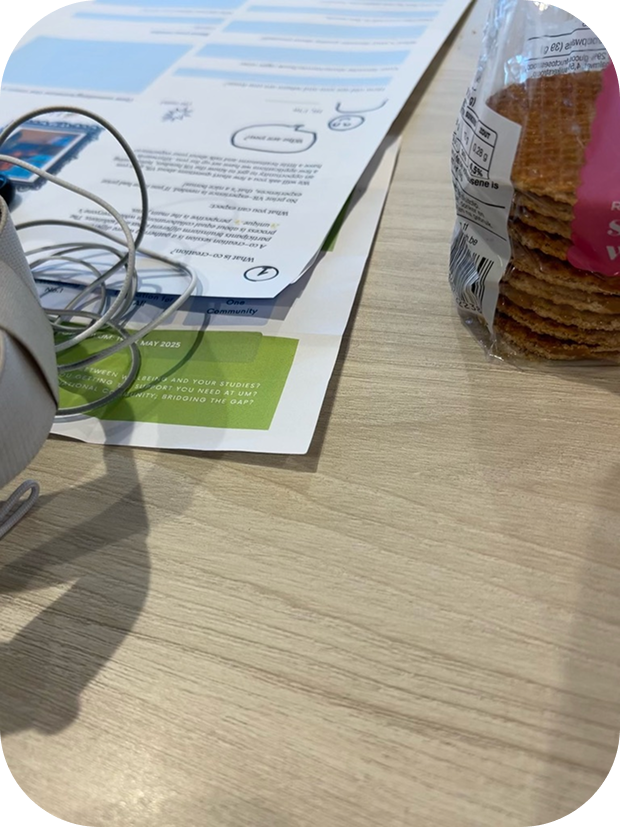
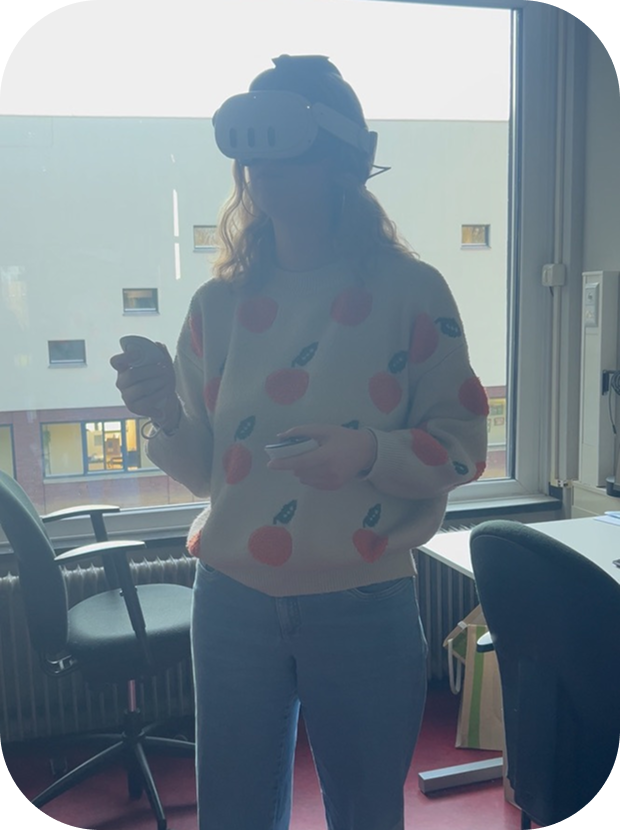
A co-creation session is a gathering where different participants brainstorm ideas and solutions together. The process is all about equal collaboration, with everyone's unique perspective taking center stage. No prior experience with VR was needed. Although if you had some, that was a nice bonus!
We started by asking a few short questions about VR, then gave everyone the chance to get familiar with the headset. After that, participants tried out several applications we had prepared. We ended the session with a short brainstorm and a conversation about everyone's experience.
Gravity Sketch
We used Gravity Sketch to introduce people with VR: Gravity Sketch is a VR app where you can create 3D drawings. You can move around your creations and see them from every side, as if you're inside your own design.
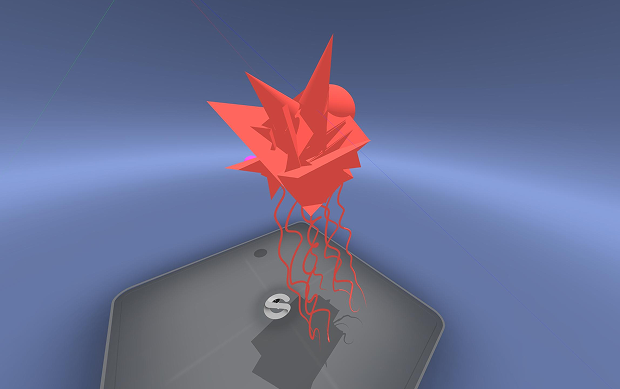
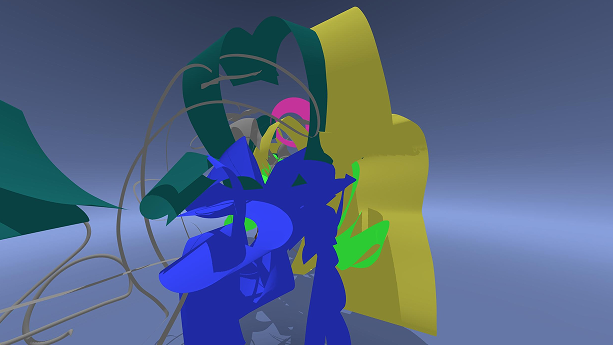
We played a game where we drew something in VR and hid a specific object. The other person needed to find it. If they did, they could also draw something. This was really fun. We made our drawing very abstract to encourage people to draw whatever they want. It doesn’t need to be realistic to fulfill its purpose.
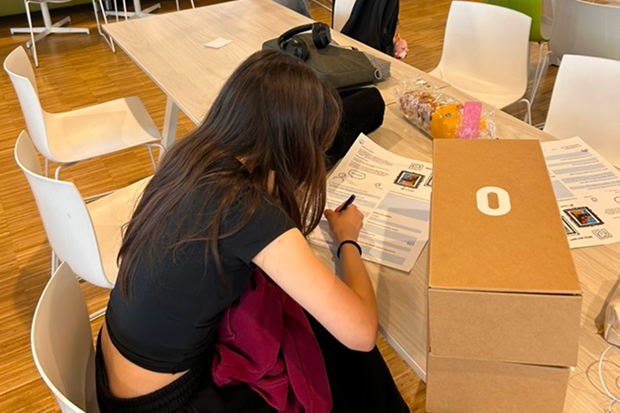
Brainstorming and Sketching
We used Gravity Sketch to introduce people with VR: Gravity Sketch is a VR app where you can create 3D drawings. You can move around your creations and see them from every side, as if you're inside your own design.
Long story short
We hope this project opens the door to more opportunities for students and educators to think outside the box. Too often, we fall back on the most obvious or traditional choices in education, not because they’re the best, but because they’re familiar and easy to implement. But education should be more than efficient; it should be engaging, inspiring, and meaningful.
Through this project, we wanted to challenge that mindset. Students today are asking for more creativity, more room to explore, and more space to express themselves in ways that match how they experience the world. A large part of the student population are visual thinkers. Yet, traditional educational methods often prioritize text-heavy, abstract approaches.
By using tools like VR and Gravity Sketch, we can support those who learn best through images, space, interaction, and movement. These technologies make it possible to design learning experiences that are immersive, intuitive, and deeply personal.
Let's give students the chance to learn in a way that fits them. Not just the way that fits the system.